Why One Wireless Earbud Is Not Working and What to Do
Why One Earbud Is Not Working
One earbud is playing, but the other one is silent? This is a very common problem.
Many users face a situation where the left or right earbud suddenly stops working, and it’s unclear — is it broken or just a temporary glitch?
The good news — in most cases, you can fix it in a few minutes.
👉 Below we explain in simple terms why one wireless earbud is not working and what to do.
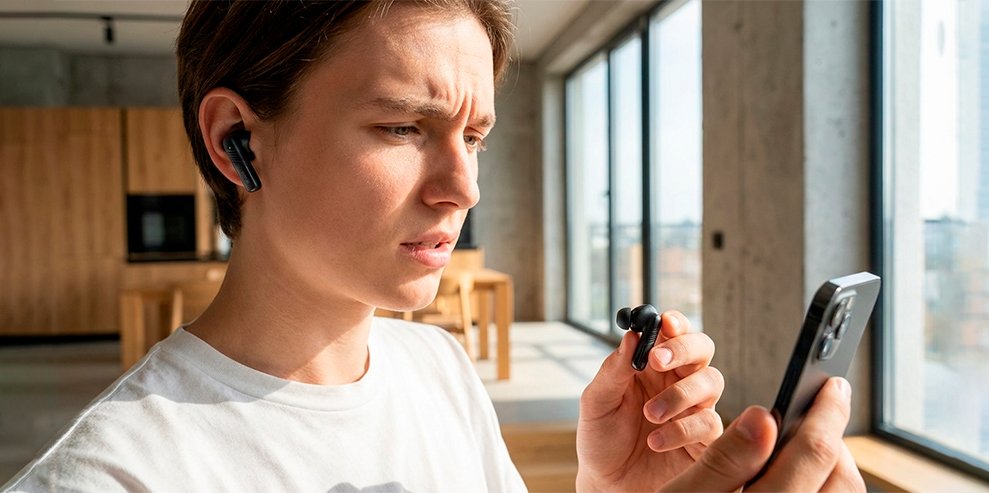
Main Reasons Why One Earbud Is Not Working
- Earbuds are not synced
One connected, the other didn’t; - One earbud is not charged
It didn’t charge properly in the case; - Bluetooth issue
Connection glitch; - Dirty contacts
The case is not charging properly; - System error
Temporary bug;
👉 In most cases, this is not a hardware failure.
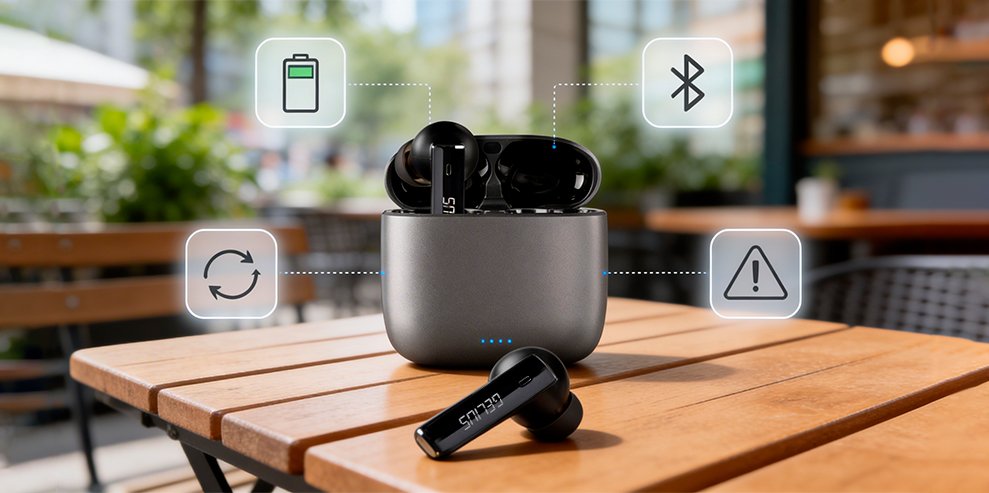
What to Do If One Earbud Is Not Working
1. Check the charge
- put both earbuds into the case;
- make sure they are charging;
- clean the contacts;
2. Reconnect Bluetooth
- remove the earbuds from your device;
- connect them again;
3. Sync the earbuds
- place them in the case;
- take them out at the same time;
- hold the buttons or sensors if needed;
4. Reset to factory settings
- hold the button for 10–15 seconds;
- pair again;
👉 This solves the issue in most cases.
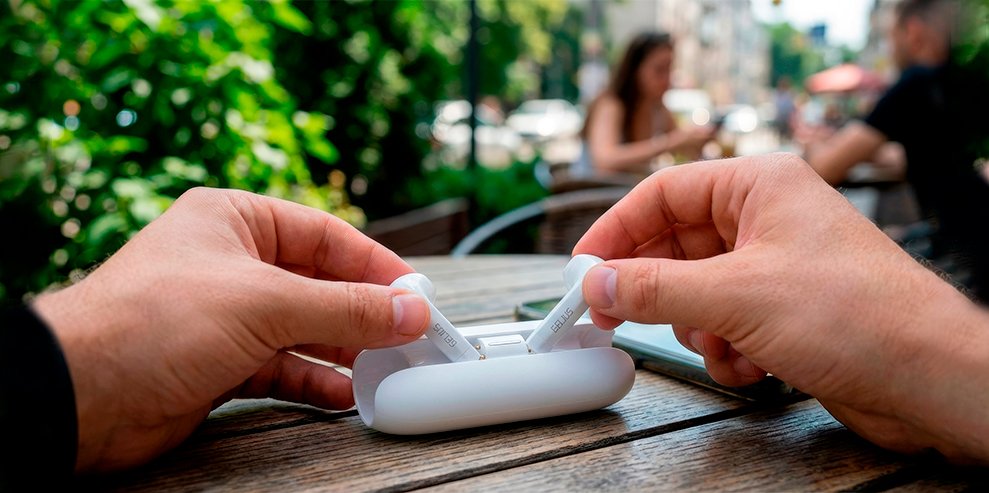
Why Earbuds Don’t Sync
If TWS earbuds don’t sync — the issue is usually related to the connection.
- one earbud connected separately;
- Bluetooth glitch;
- incorrect connection;
👉 Solution — full reset and reconnecting the earbuds.
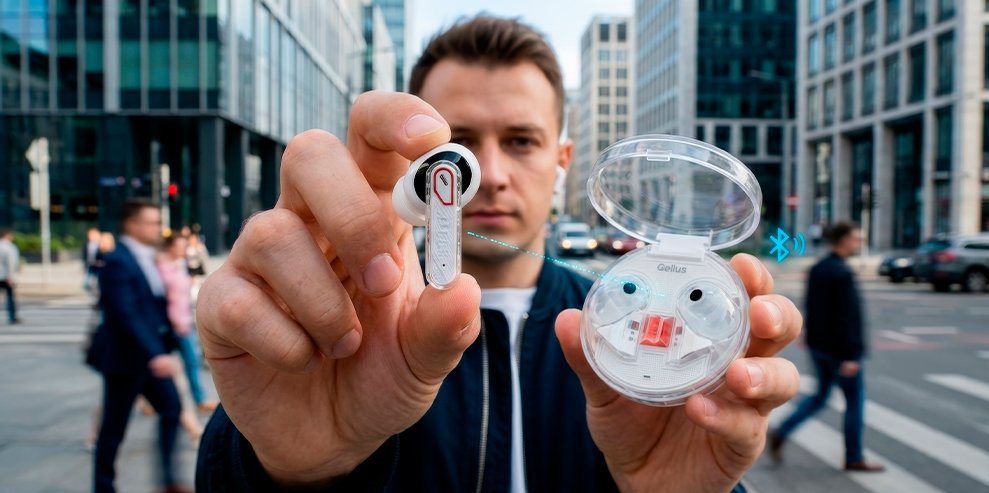
When Earbuds Can’t Be Fixed
- battery damage;
- water damage;
- cheap no-name models;
👉 If the problem keeps happening — it’s better to replace the earbuds.
How to Avoid This Problem
- don’t fully discharge them;
- clean contacts regularly;
- avoid dropping them;
- choose quality models;
👉 This can extend the lifespan of your earbuds.
Which Earbuds Don’t Have These Problems
If you don’t want to deal with these issues — choose reliable TWS earbuds.
- stable Bluetooth connection;
- fast syncing;
- reliable battery;
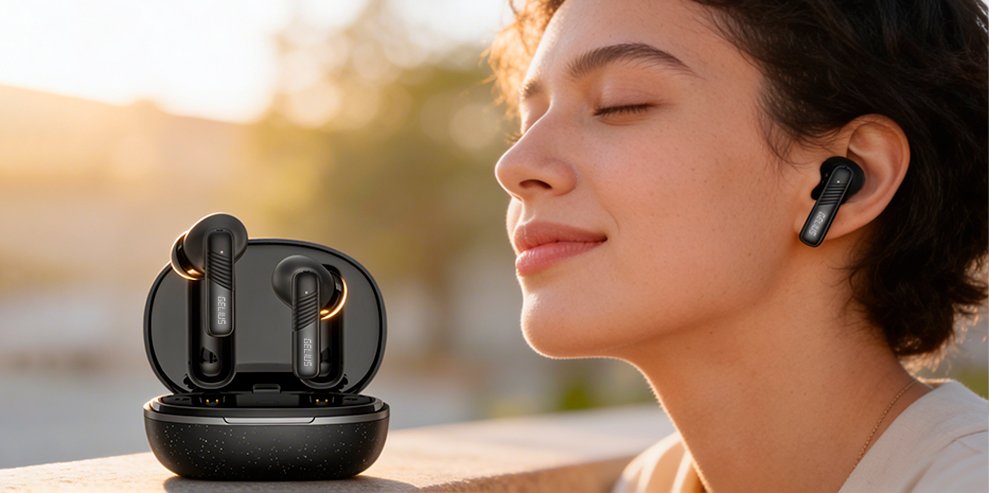
👉 Consider Gelius models:
- Gelius Supreme;
- Gelius NavyStrike;
- Gelius EcoBuds;
- Gelius Incredible;
- Gelius Elegance;
👉 These models are much more stable and reliable in everyday use.
Conclusion
If one wireless earbud is not working — in most cases it’s not a serious issue.
Check the charge, reconnect Bluetooth, or reset the earbuds.
👉 If the problem keeps happening — it’s a sign your earbuds are not reliable anymore.
In that case, it’s better to choose a trusted model and avoid these problems.
👉 Consider Gelius earbuds — they provide stable connection and work without these issues.